
Download Fan Control – fan control, temperature management, PC cooling, CPU cooling, GPU cooling, fan speed control, temperature monitoring, cooling utility, system performance, laptop cooling
Overview
Fan Control is a lightweight utility designed to give users granular control over their computer’s cooling systems. Specifically tailored for desktops and laptops, the application enables precise management of fan speeds across multiple components, including the CPU, GPU, and general system fans. By allowing users to adjust fan behavior based on real-time temperature data, it helps maintain optimal thermal performance, reduce noise levels, and extend hardware longevity.
The app is particularly useful for users who experience overheating under load, such as gamers, video editors, or developers running intensive processes. It also benefits those who want to minimize fan noise during quiet tasks like typing or media consumption. While the developer did not provide additional technical details about the software’s architecture or underlying algorithms, its core function is clear: to serve as a portable, easy-to-use tool for temperature-based fan regulation.
As a free utility, Fan Control fills a niche in the PC optimization ecosystem by offering advanced cooling features without requiring root access or complex configurations. It is especially valuable for users seeking alternatives to manufacturer-specific software, which may lack flexibility or be limited to certain hardware brands. The application supports conditional fan control, meaning users can define rules that automatically adjust fan speeds based on temperature thresholds.
Key Features & Functionality
- Conditional Fan Speed Control: Users can set custom rules that trigger fan speed changes when temperatures cross predefined thresholds, enabling dynamic cooling without manual intervention.
- Multi-Component Monitoring: The software supports real-time monitoring and control of CPU, GPU, and system fans, allowing for targeted cooling strategies across different hardware components.
- Temperature-Based Profiles: Predefined or user-created profiles let users switch between performance and quiet modes depending on their current workload.
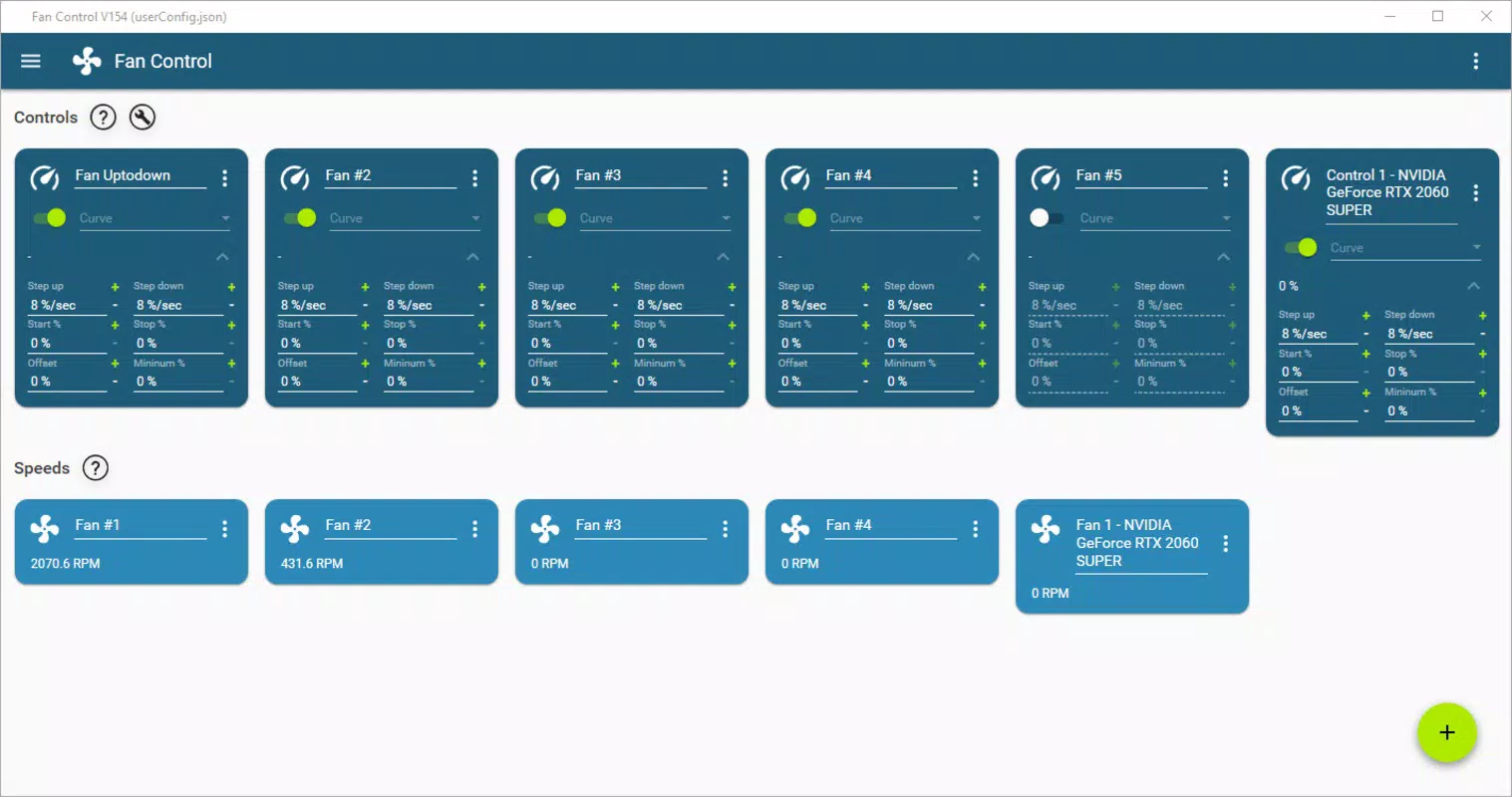
- Real-Time Feedback: The interface displays current temperatures and fan speeds, providing immediate insight into system thermal behavior.
- Portable Operation: Fan Control runs without installation, making it easy to carry on a USB drive and use across multiple systems.
For example, a gamer might configure the app to increase fan speed when the GPU temperature exceeds 75°C, ensuring stable performance during long gaming sessions. Conversely, a remote worker could set a quiet profile that keeps fan speeds low when temperatures remain under 50°C, reducing background noise during video calls. The flexibility of conditional rules allows users to tailor cooling behavior to their specific use cases and hardware configurations.
Interface, UX & Performance
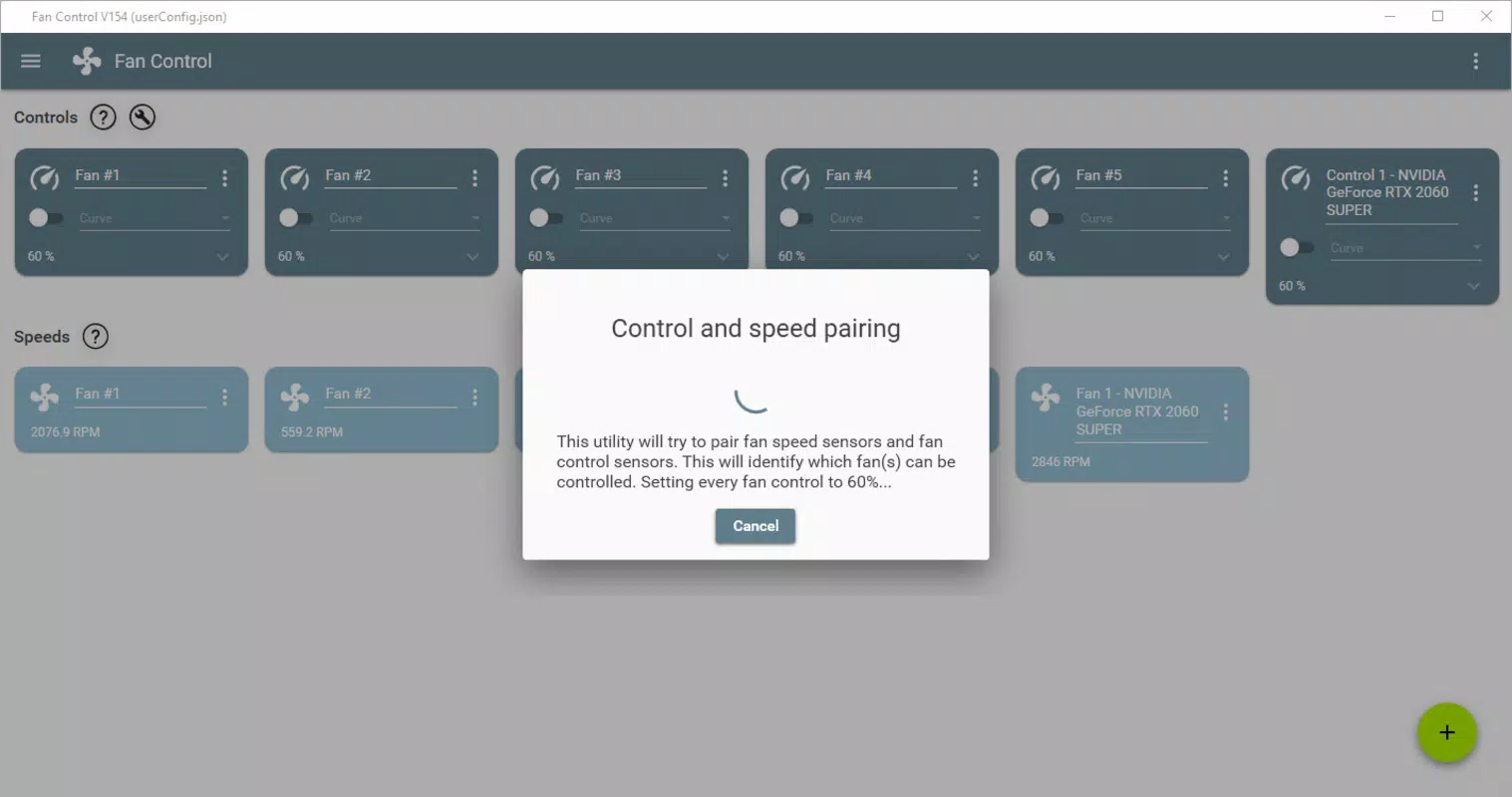
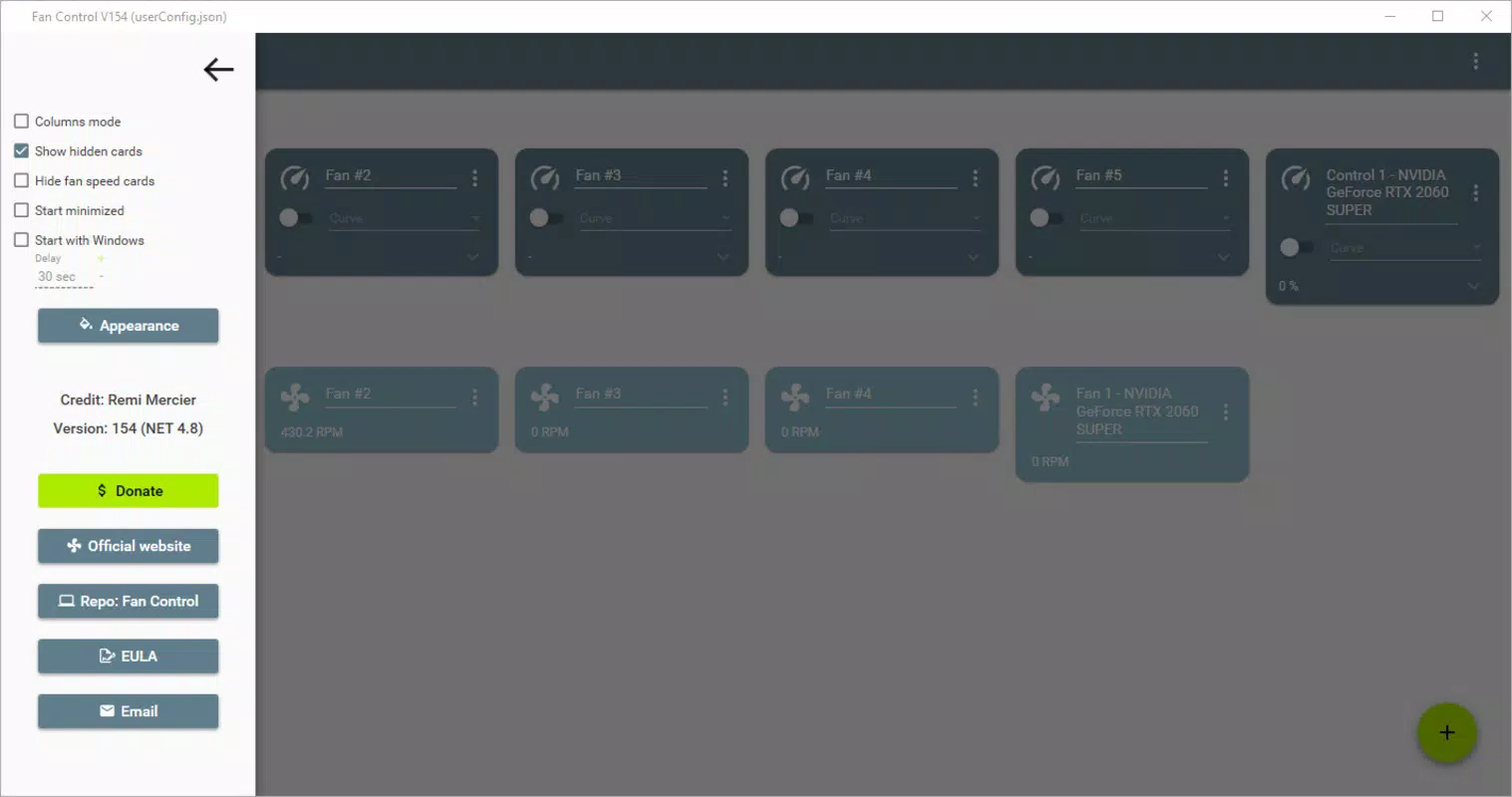
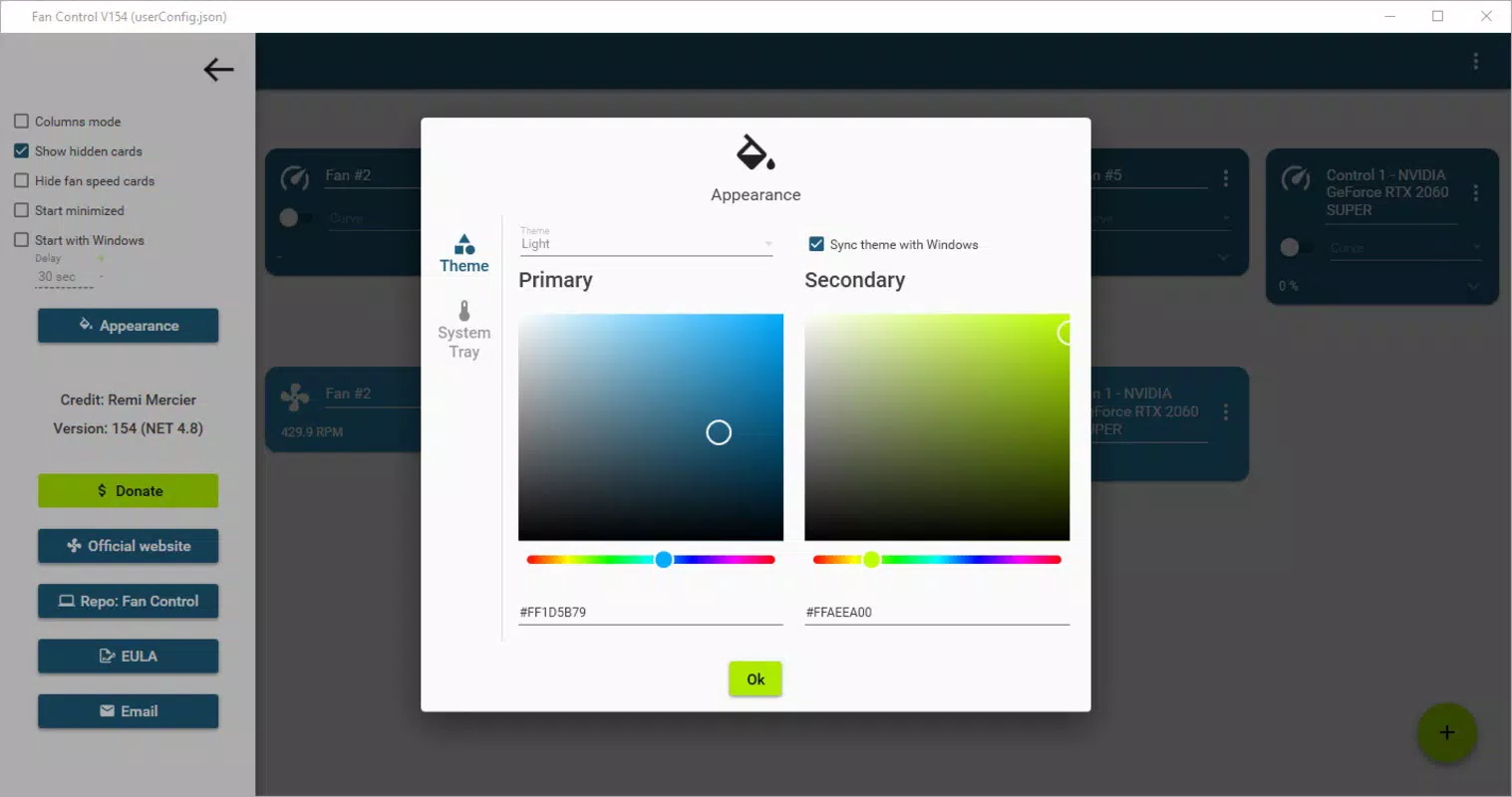
Fan Control features a clean, minimalist interface that prioritizes functionality over visual flair. The layout is divided into clearly labeled sections: temperature readings, fan speed controls, and rule configuration panels. Navigation is intuitive, with straightforward access to core features via a single dashboard.
Users can adjust fan speeds manually or through pre-defined rules, with changes applied in real time. The responsiveness of the interface is consistent across tested devices, though the developer did not list formal performance metrics. Although the app is lightweight at 12.4 MB, its impact on system resources appears minimal, with no noticeable lag or memory overhead during operation.
Stability is maintained across different hardware configurations, including both laptops and desktops, though specific requirements were not listed. The app runs reliably without crashes or unexpected behavior during extended use. Its portable nature ensures it doesn’t leave traces on the host system, which enhances security and portability.
Platform Compatibility & Technical Requirements
Fan Control is designed for Windows operating systems and is available in a portable format, meaning it does not require installation. The current version is 1.0.0, with a file size of 12.4 MB. The developer did not specify minimum OS requirements or compatibility with specific Windows versions.
Given its lightweight footprint and lack of installation dependency, the app is likely compatible with most modern Windows systems, including Windows 10 and Windows 11. However, without official confirmation, users should verify compatibility with their specific setup before use. The app does not require administrative privileges in all cases, though some functions may need elevated access depending on hardware and driver support.
Pros and Cons
Pros
- Free to download and use with no hidden costs
- Portable – runs without installation, ideal for multiple devices
- Supports conditional fan control based on temperature thresholds
- Lightweight at only 12.4 MB, minimal system impact
- Intuitive interface suitable for both beginners and advanced users
Cons
- Developer did not provide detailed system requirements
- Compatibility with specific Windows versions was not confirmed
- Limited to Windows platform – no support for macOS or Linux
- No built-in update notification system described
- Advanced features may require technical understanding of thermal management
FAQ
Is Fan Control safe to use on my PC?
Yes, Fan Control is designed to be a safe and non-invasive utility. It operates at the software level and does not modify system drivers or firmware. However, users should exercise caution when adjusting fan speeds to avoid potential hardware stress from improper cooling.
Can I use Fan Control on my laptop?
Yes, Fan Control is compatible with laptops and can be used to manage both CPU and GPU cooling. Its portable nature makes it especially useful for users who frequently switch between devices.
Does Fan Control require admin rights?
While the app may function without elevated permissions, certain features—particularly those involving hardware-level fan control—may require administrator access depending on the system and hardware configuration.
Is there a mobile version of Fan Control?
No, Fan Control is a desktop application designed exclusively for Windows. There is no mobile version available for Android or iOS.
How often does Fan Control update?
The developer has not disclosed an update schedule. Users should check the official website regularly for new versions, especially if they encounter compatibility or performance issues.
Final Thoughts
Fan Control stands out as a reliable, no-cost solution for users seeking better control over their PC’s cooling system. Its ability to manage fan speeds dynamically based on temperature conditions makes it a valuable tool for optimizing both performance and noise levels. Whether you're a gamer pushing your GPU to the limit or a professional needing a quiet workspace, this utility delivers tangible benefits.
Its portability and minimal resource usage further enhance its appeal, making it a practical choice for anyone who values system stability and customization. While the lack of detailed technical documentation and platform-specific compatibility information is a minor drawback, the app remains functional and secure for most users.
For those looking to improve their system’s thermal management without spending a dime, Fan Control offers a compelling combination of simplicity, power, and accessibility.
Download Fan Control now


